How Taflow works

From QR scan to checkout — a clear flow for guests and staff.

  1. Step 1

    The menu opens in a browser — no app install required.

    The menu opens in a browser — no app install required.

    • No waiting for a menu card

      The menu is available right after scanning the QR code.

    • No installation needed

      It works in the browser on any guest phone.

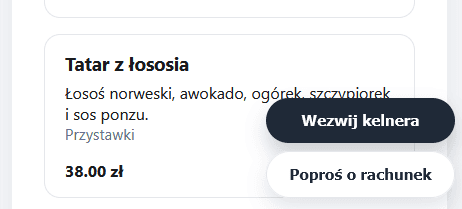
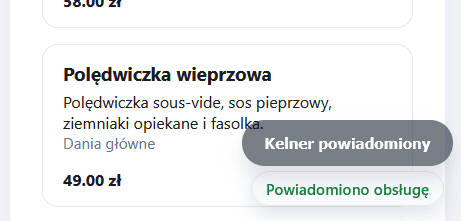
    • Call staff in one tap

      Guest can call a waiter immediately from their phone.

    • Table context included

      The system knows which table the guest is sitting at.

    Less waiting = faster service and table turnover.
  2. Step 2

    Each guest edits only their own items while the bill stays shared.

  3. Step 3

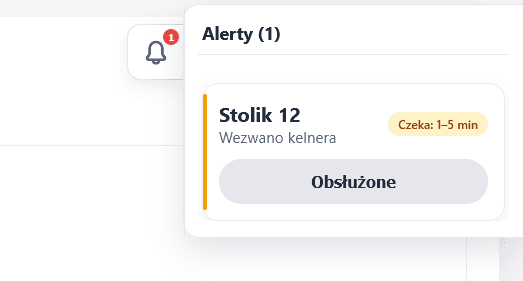
    The request appears in the staff panel with table number.

  4. Step 4

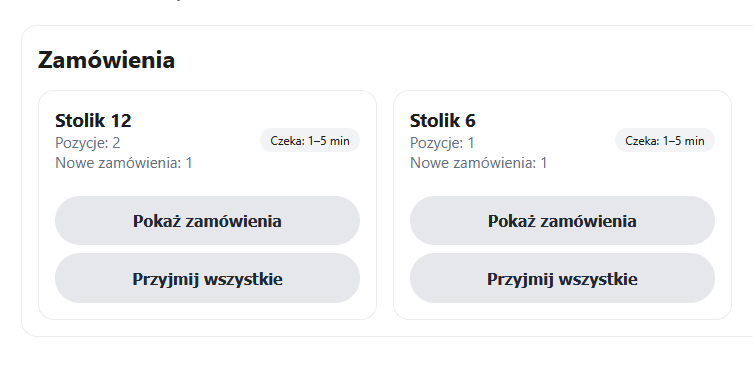
    Staff sees the order immediately.

  5. Step 5

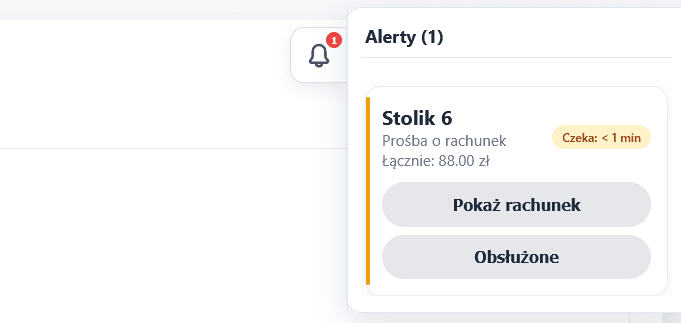
    The summary is visible to both guests and staff.